Signed viewing forms
Proof of which properties you introduced, signed on a phone
The client confirms the listings you showed them and signs with a finger, on your phone or on theirs. The signed PDF is kept with the client.
On every plan
How it works
-
Step 1
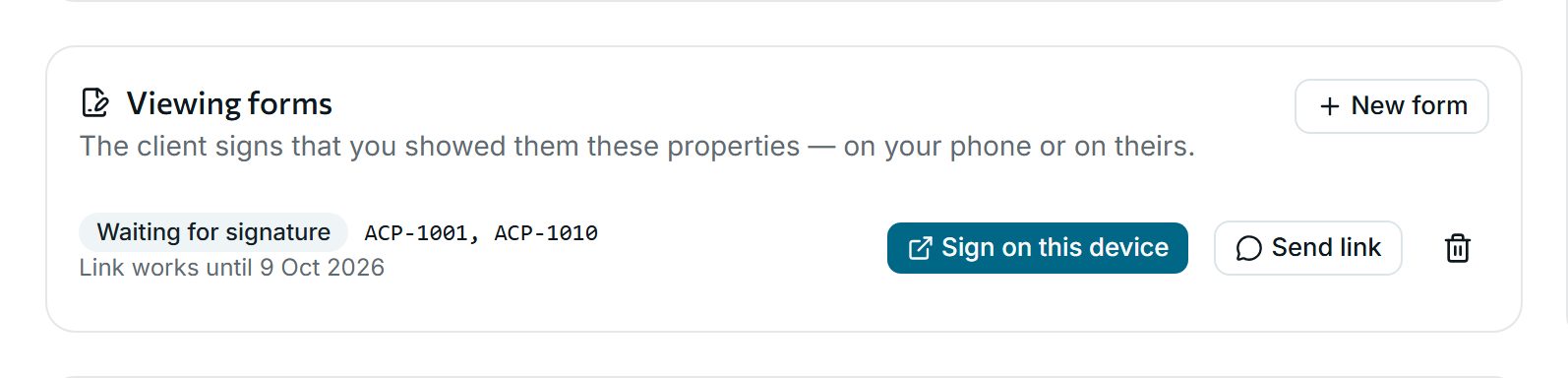
Prepare the form
Pick the listings from the client’s page. Sign on this device, or send a link that works for a week.
-
Step 2
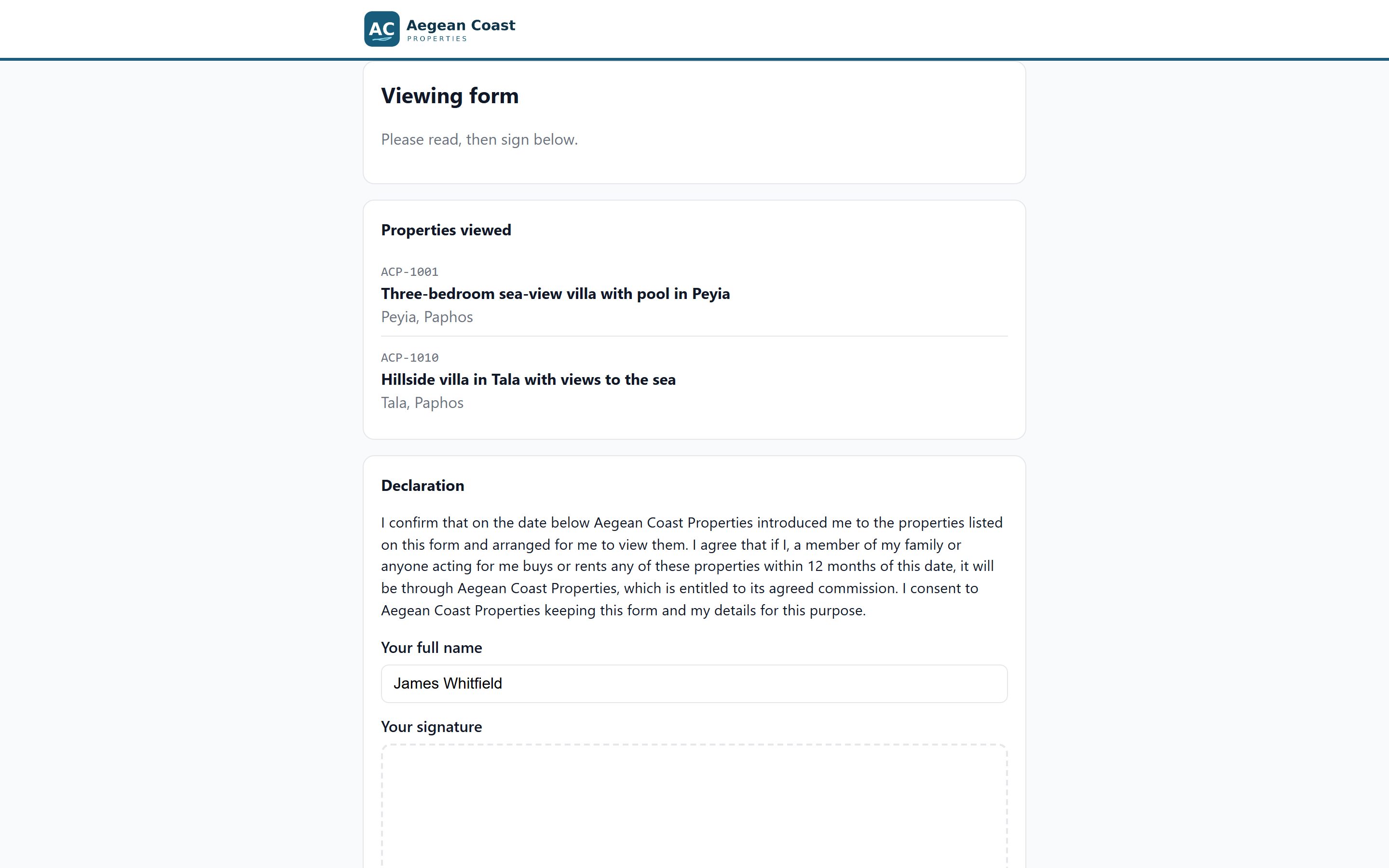
The client reads it
The form lists the properties viewed and your agency’s declaration, in the client’s language, with your logo.
-
Step 3
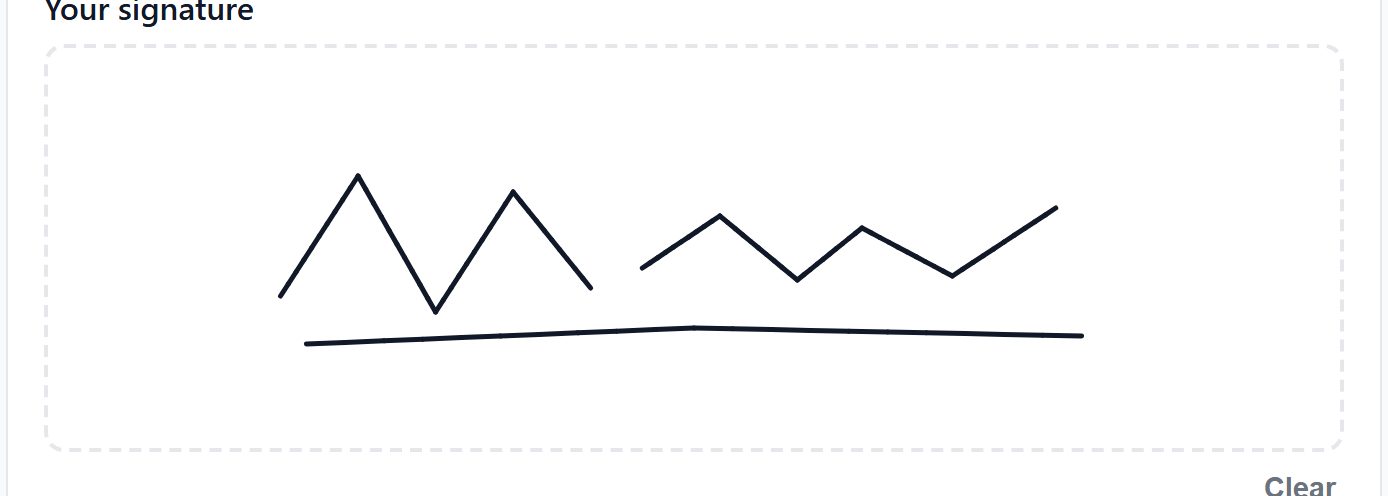
Signed with a finger
The client signs on the screen. The PDF is stored on the client’s page, ready if you ever need it.
Why agencies use it
-
Protects your commission
A signed, dated record of which properties you introduced to whom.
-
No paper, no printer
It works on any phone, and the wording stays fixed on each form once it is created.
-
Listing agreements too
Keep each owner’s exclusive or open agreement with its dates, commission and the signed copy.
See it with your own listings
Book a short demo: we show you the app with listings like yours, answer your questions and help you bring your data across.