Portal feeds
Your listings on the portals, kept up to date for you
Tick “Publish to” on a listing and it goes to the portal through a feed the portal reads by itself. Sold and withdrawn listings come off without anyone remembering.
On Professional and Enterprise
How it works
-
Step 1
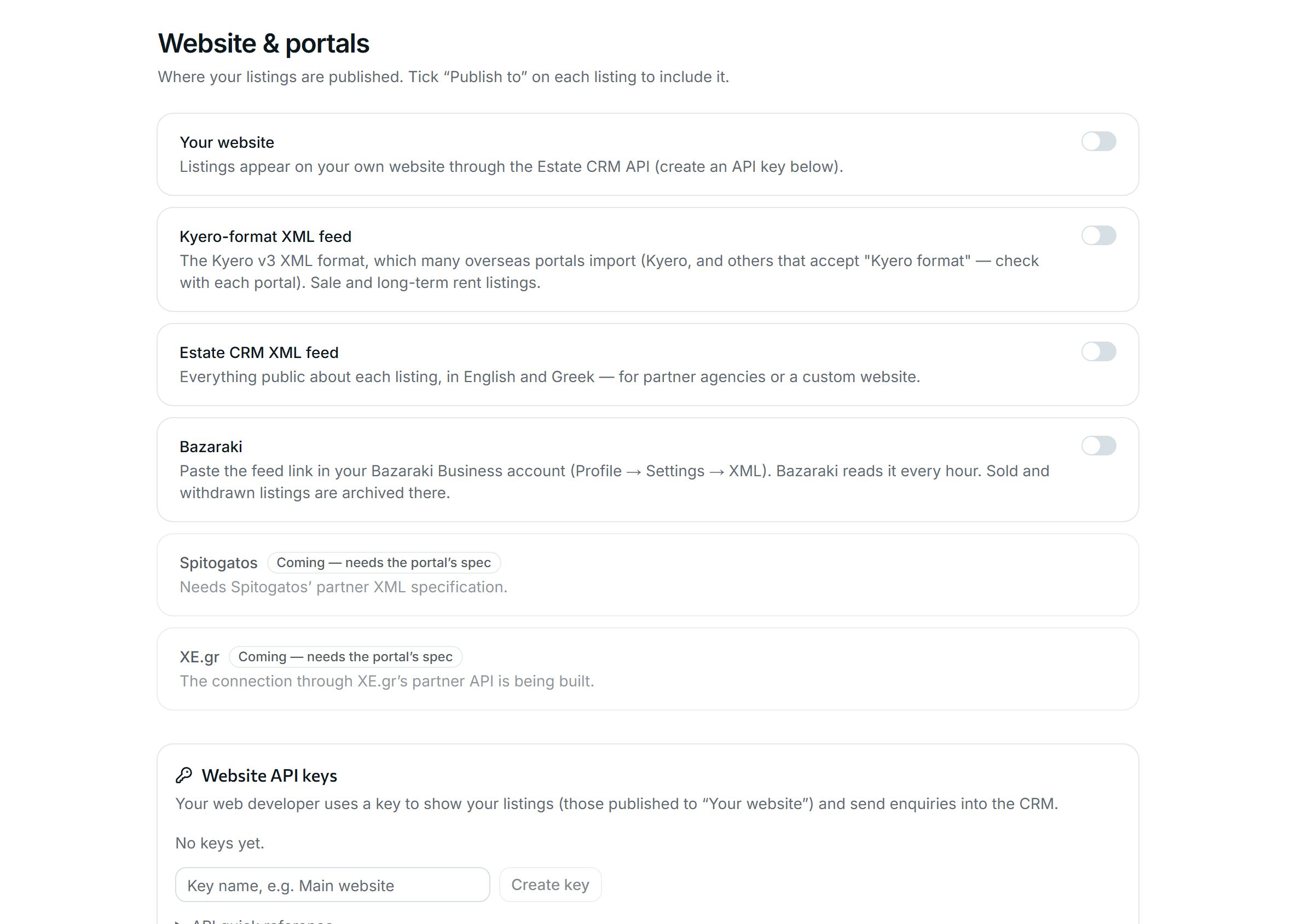
Choose your channels
Bazaraki, read every hour through your own feed link, XE.gr, the Kyero format many overseas portals accept, and an Estate CRM XML feed for partners.
-
Step 2
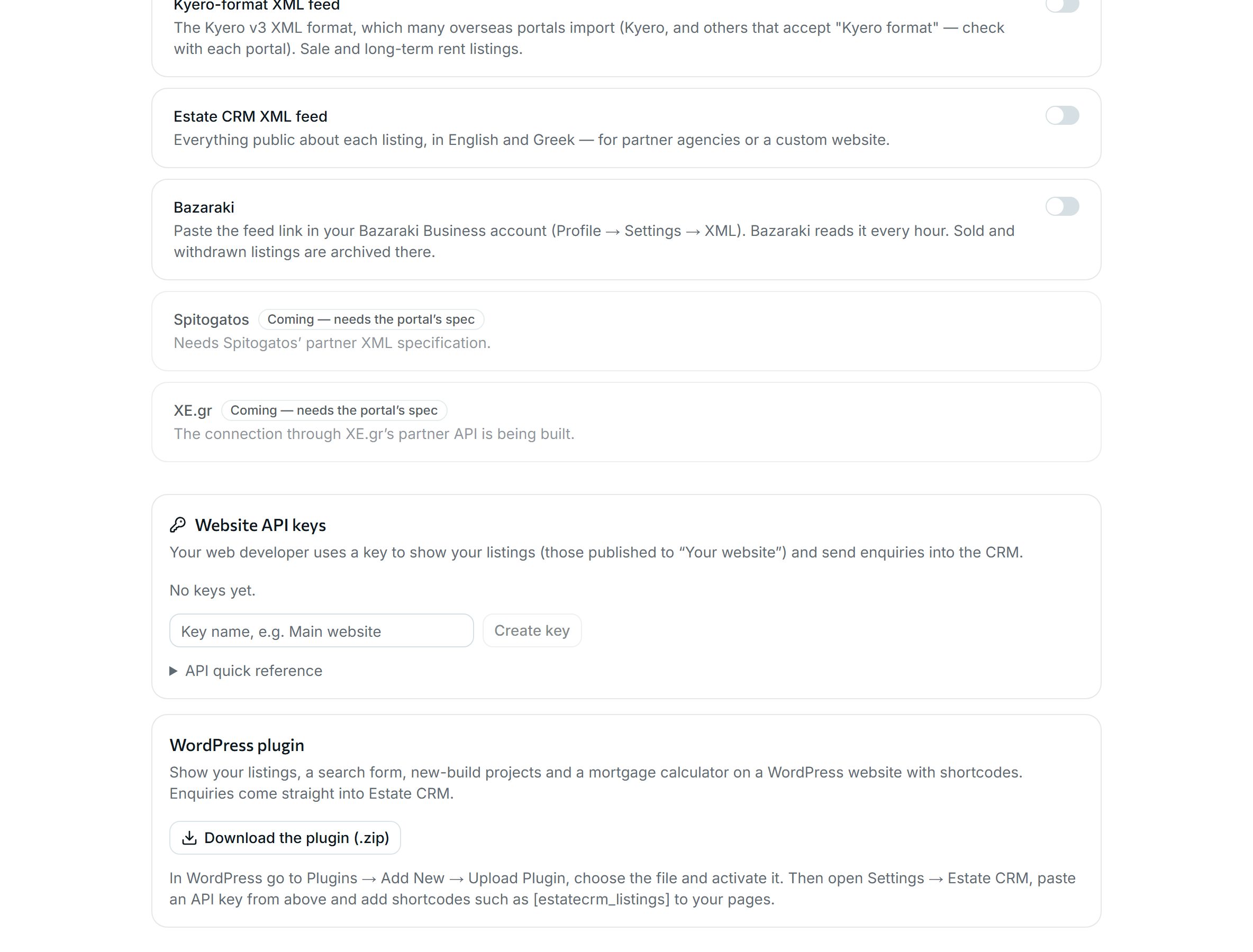
Your own website too
Website API keys for your web developer, and a WordPress plugin with listings, search, projects and a mortgage calculator.
Why agencies use it
-
Checked before it goes
Each channel lists the listings a portal cannot take yet and what to add, such as the covered area.
-
Bazaraki rules handled
Titles, categories and areas follow Bazaraki’s rules, and sold listings stay as archived ads.
-
Edit once
Change a price once and every portal gets it on its next read.
See it with your own listings
Book a short demo: we show you the app with listings like yours, answer your questions and help you bring your data across.