Import
Bring your contacts and listings with you
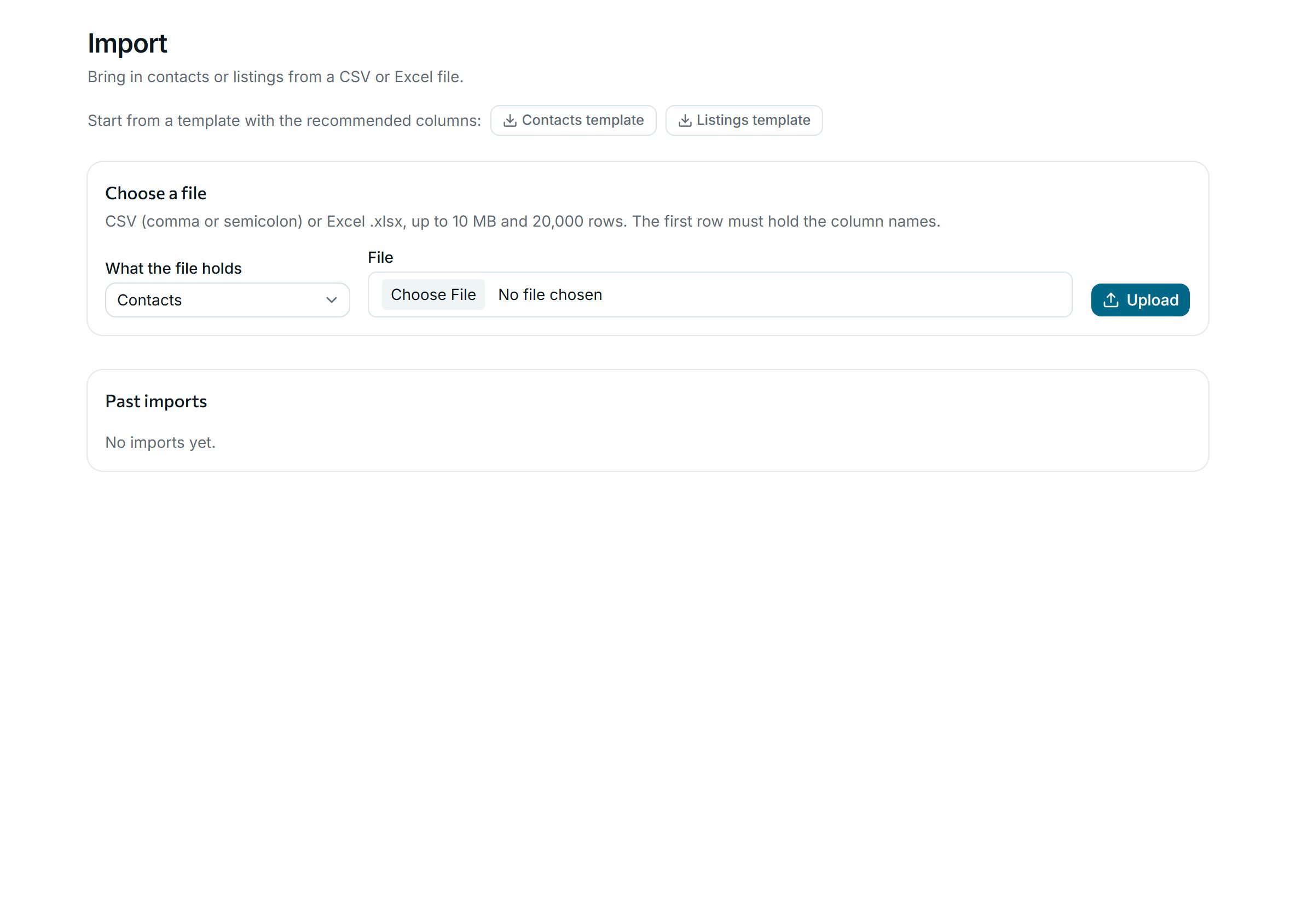
Moving from spreadsheets or another system takes minutes: upload a CSV or Excel file, match the columns and check a dry run before anything is saved.
On every plan
How it works
-
Step 1
Upload, match, check
Start from a template or your own file, up to 20,000 rows. Match each column to a field, run a dry run, then import. Rows with problems come back in an error file to fix.
Why agencies use it
-
Photos too
Listing photos are downloaded from the links in your file.
-
No surprise e-mails
Imported listings are matched quietly, so clients are not e-mailed about your whole old portfolio.
-
Your references kept
Keep the references from your old system. Rows that match an existing contact or listing are skipped or updated, as you choose, never duplicated.
See it with your own listings
Book a short demo: we show you the app with listings like yours, answer your questions and help you bring your data across.