Custom fields & pipelines
Fit the CRM to the way your office works
Add your own fields to listings and contacts, and set up deal pipelines with your own stages and next steps.
On Professional and Enterprise
How it works
-
Step 1
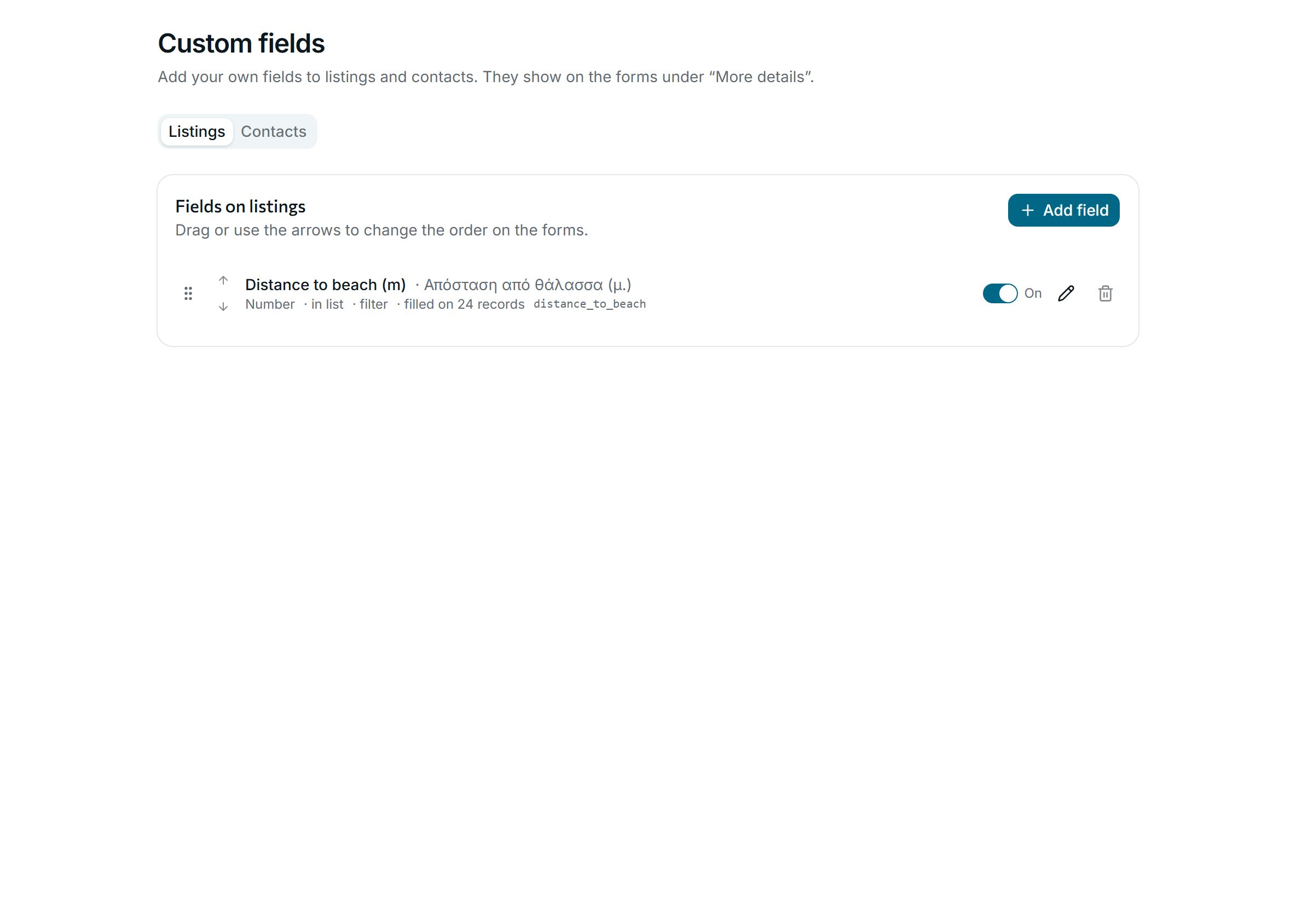
Your own fields
Text, numbers, dates, yes or no, lists and links, on listings or contacts, in English and Greek. Show them in the list and use them as filters.
-
Step 2
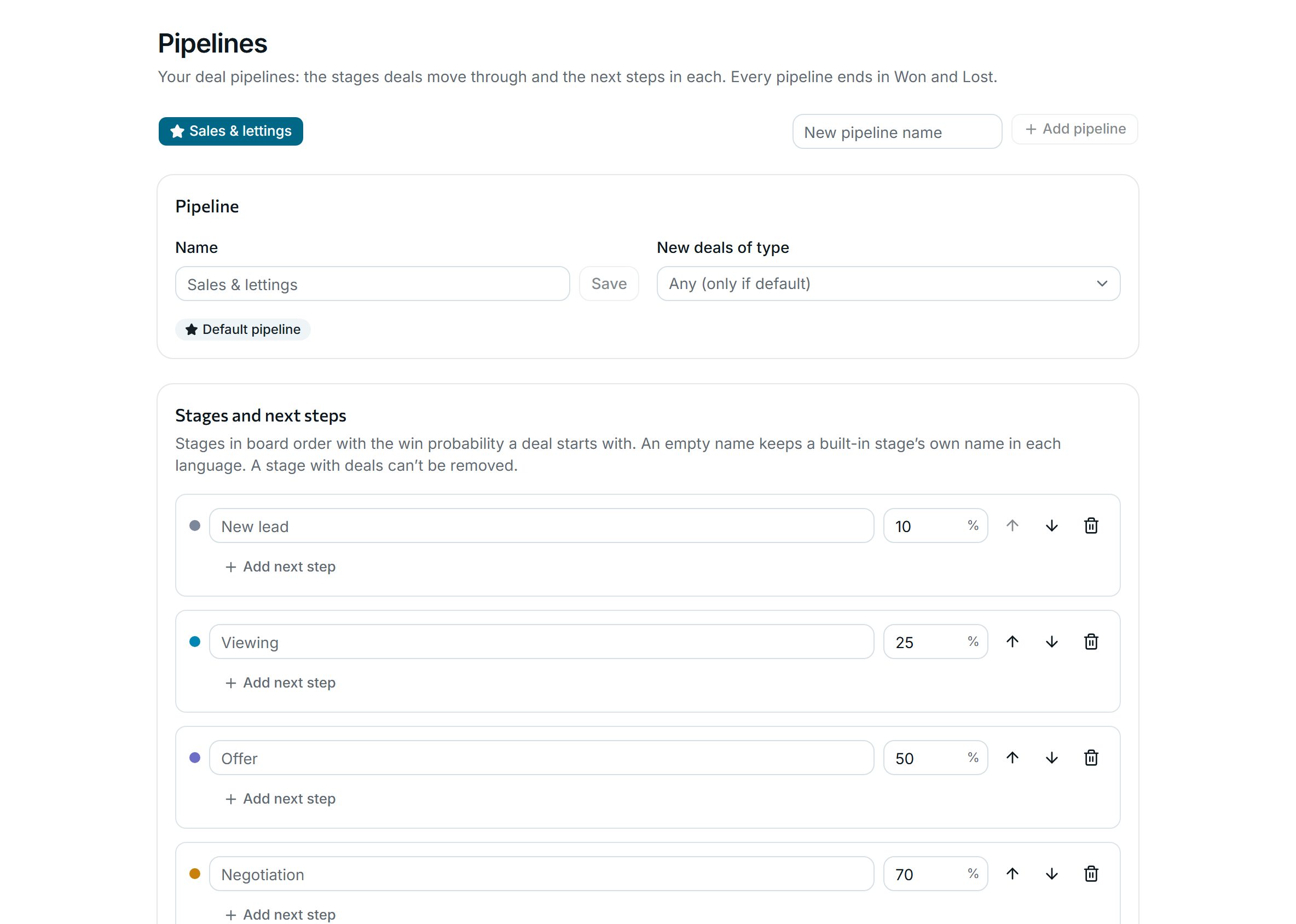
Pipelines with your stages
Name the stages, set each one’s win probability and add the next steps to tick off. Add a separate pipeline, for example for rentals.
Why agencies use it
-
Internal only
Custom fields never appear on brochures, share pages, feeds, your website or proposals.
-
Imports fill them
Map columns of an imported file straight to your custom fields.
-
Every pipeline ends the same way
Each pipeline ends in Won or Lost, so the reports compare like with like.
See it with your own listings
Book a short demo: we show you the app with listings like yours, answer your questions and help you bring your data across.